
Getting found is half the work of selling microgreens.
A buyer can’t order from a farm they have never heard of. Microgreens 411 is a free directory where shoppers and chefs search for growers by town, region or country. This guide shows how to list a microgreens business on it, one step at a time. It covers the form, what happens after you send it, what buyers see on your listing and what to do if your farm is already there. Everything here describes the site as it works today.
Key Takeaway
Fill in the free “Add your farm” form at microgreens411.com/for-growers, and staff review every submission before it appears (Microgreens 411, n.d.-a). Once live, your listing shows your town, products, prices and pickup or delivery options. If your farm is already listed, sign in from its page to update or confirm it.
Below: the form field by field, the review step, what a listing shows, why the details matter, what to do about an existing listing and how to make yours useful.
Microgreens 411
Find a microgreens grower near you
Greens that travel less start fresher in your fridge. Find my local grower →
Table of Contents
- How do you get your microgreens business listed?
- What happens after you submit the form?
- What does your microgreens business listing show buyers?
- Why do the details on a listing matter so much?
- What if your farm is already listed?
- How do you make your listing useful to buyers?
- Wrap-up: getting your microgreens business listed
- Frequently asked questions
- References
How do you get your microgreens business listed?

Fill in one short form. The Add your farm page says a listing is free and that every submission is reviewed before it appears in the directory (Microgreens 411, n.d.-a).
The form starts with your farm or business name and where you are. That means country, then state, province or county, then town or city. Next comes a link to your website, Instagram or Facebook page. You can add a public email for orders, but that one is optional (Microgreens 411, n.d.-a).
The biggest box asks what you grow and how people can buy from you. Then you give your own email, which the form says stays private and is used only to confirm the listing. Last, you tick a box saying you grow microgreens and are allowed to list the farm, and you pass a quick spam check (Microgreens 411, n.d.-a).
That is the whole process to list a microgreens business. The table shows who sees each detail you enter.
| What you enter | Who sees it |
|---|---|
| Farm name and town | Shoppers, on your listing |
| Website or social page | Shoppers, as a link |
| Public order email (optional) | Shoppers who want to order |
| Your own email | Staff only, to confirm the listing |
What happens after you submit the form?
A person checks it before it goes live. The form page says the team reviews every submission before it appears in the directory (Microgreens 411, n.d.-a). It does not promise a set number of days, so allow some time.
Approved listings carry a review label. On the live profile we looked at, the top of the page reads “Reviewed by staff” (Microgreens 411, n.d.-b). Region pages show a “Reviewed” tag next to each grower in the list (Microgreens 411, n.d.-c).
A second label tells buyers whether the grower has confirmed the details. A listing nobody has claimed says ownership is not yet claimed and the details are not yet confirmed by the grower (Microgreens 411, n.d.-b). That wording is honest with shoppers. It tells them the facts came from staff research, not from the farm.
The private email you gave on the form is the one used to confirm your listing (Microgreens 411, n.d.-a). Use an inbox you check often so the message doesn’t sit unread. Once your listing is live, open it and read every line the way a buyer would.
What does your microgreens business listing show buyers?
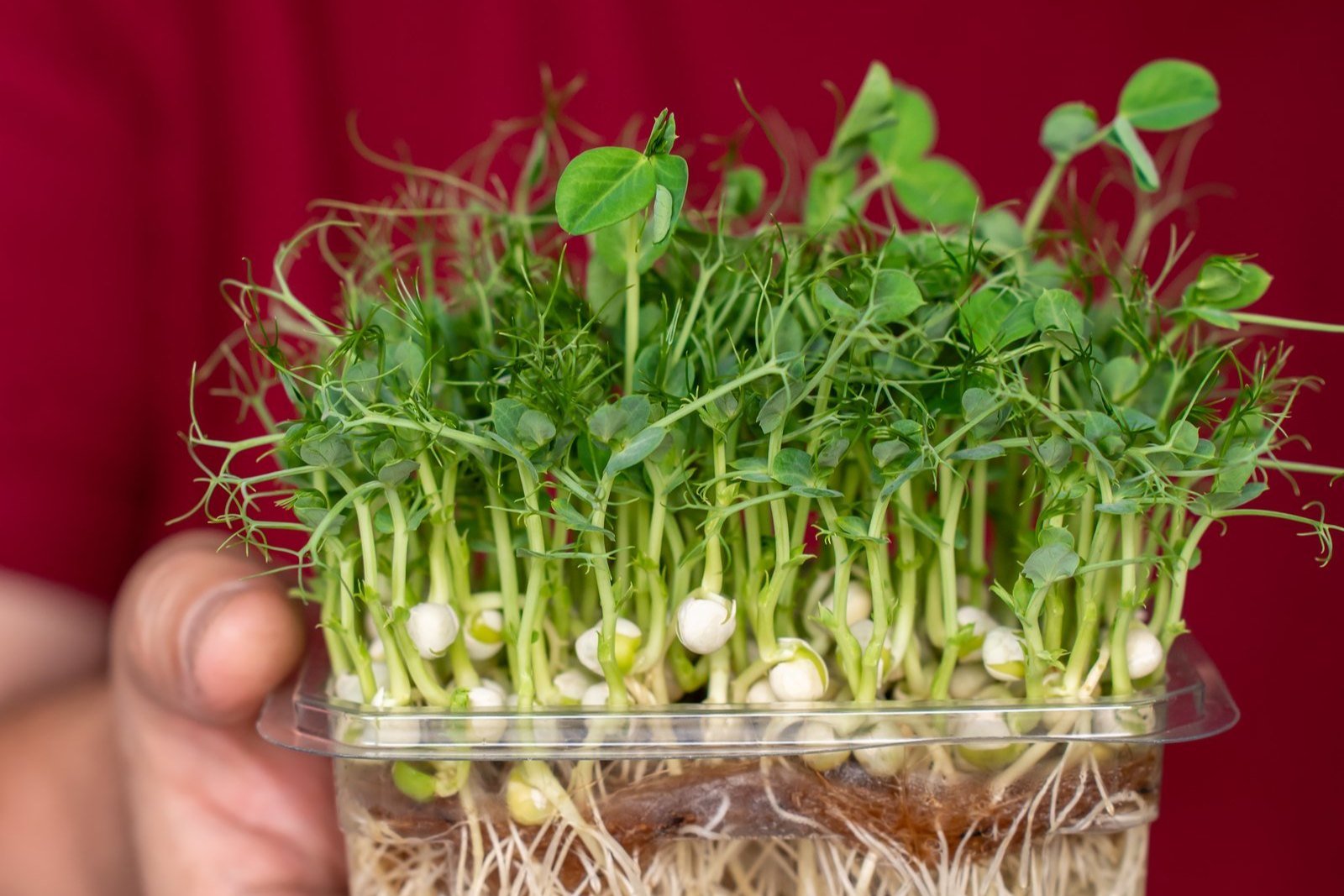
It shows where you are, what you sell and how people can get it. Here is what one live profile in Rochester, Vermont, shows (Microgreens 411, n.d.-b).
The header gives the farm name and town. A note says the listing shows the town only and the street address is not published. A “Visit website” button links to the farm’s own site. An About section then describes the farm in two short paragraphs.
Next comes a Products list. Each line names a product, a pack size and a price. Where the grower hasn’t given them, the page says “pack size not provided” and “Price: ask the grower.” The Pickup and delivery section lists the options, states whether a subscription is offered and can carry a short ordering note. A final section lists upcoming markets.
Every blank field is a question a buyer has to ask you before they can order. A shopper comparing two farms may well pick the one whose prices and pickup details are already on the page. Fill in what you can, and keep it current.
Why do the details on a listing matter so much?
Buyers filter by them. Search on Microgreens 411 has a buying preference with two choices: “Located nearby” or “Delivers here” (Microgreens 411, n.d.-d). A farm that leaves delivery blank gives the site less to match.
Many listings still have gaps. On the Vermont page, five of the six growers show “pickup/delivery not provided,” and two show “products not provided” (Microgreens 411, n.d.-c). Those growers are visible, but a buyer learns little from the list.
Public directories work on the same idea. USDA’s Agricultural Marketing Service runs its own Local Food Directories. It says that by listing their business information, farmers and distributors can reach both direct-to-consumer and wholesale buyers (USDA Agricultural Marketing Service, n.d.).
Penn State Extension makes a related point about planning. Its business planning guide tells microgreens growers to name target customers precisely, such as “high-end farm-to-table restaurants in the downtown area.” It asks how customers will contact you by email, phone or social media (Schmidt, 2025). A good listing answers those same questions for the buyer. Search your own town in the Microgreens 411 directory to see how nearby listings read.
What if your farm is already listed?
Check before you fill in the form. The directory already lists many farms. The browse page counted 124 growers in California and 91 in Texas on 8 November 2026 (Microgreens 411, n.d.-e). Search your town or state to look for your microgreens business.
If you find your farm, its page gives you two tools. Near the top, a line reads “Is this your business? Fix or hide your pin.” At the bottom, a section headed “Own this listing?” says to sign in to update or confirm it (Microgreens 411, n.d.-b). The home page button for growers reads “Add or claim your business” (Microgreens 411, n.d.-d).
Those tools matter for trust. An unclaimed listing tells every buyer that its details have not been checked by the grower. Use the sign-in route on your page instead of sending a second form for the same farm.
Our guide to claiming a listing covers that part in more detail. If something has changed, such as a new website or a new pickup spot, update the existing page rather than starting over.
How do you make your listing useful to buyers?
Write it for the customer you want. Penn State Extension suggests deciding whether you will deliver to chefs, sell at a farmers market or offer a weekly subscription (Schmidt, 2025). Say the same thing plainly in the form’s box about how people can buy.
Name the crops you grow most often, not every seed you have tried. Add pack sizes and prices if you are comfortable posting them. If you sell at markets, give the days and places, since the listing has a section for upcoming markets.
Point the website field at a page that works. The listing’s “Visit website” button sends buyers straight there (Microgreens 411, n.d.-b). A dead link or a quiet social account can lose an order the listing earned for you.
Keep it current through the year. Penn State’s guide suggests customer service policies on how you communicate with buyers and handle their feedback (Schmidt, 2025). Your listing is one place those policies show.
Our guide to what buyers look for in a listing goes field by field. For outside help with Google and maps, Rooted Leads offers local search marketing for small farms.
Wrap-up: getting your microgreens business listed
Getting listed on Microgreens 411 takes one free form. Staff review each submission before it goes live. Your listing then shows buyers your town, products, prices, pickup or delivery and markets, so every field you fill saves them a question.
If your farm is already in the directory, don’t send a second form. Use the sign-in link on your listing page to update or confirm it.
Want to see how farms near you appear today? Search your town in the Microgreens 411 directory, or go straight to the Add your farm form. Coverage varies by region, so some areas have few listings so far.
Microgreens 411
Find a microgreens grower near you
Greens that travel less start fresher in your fridge. Find my local grower →
Frequently asked questions
Can farms outside the United States get listed?
Yes. The form’s country menu includes Canada, the United Kingdom, Ireland, Australia, New Zealand, Germany, France, Mexico, India, Japan and others (Microgreens 411, n.d.-a). Several of those countries show zero regions on the browse page so far, so a new farm there could be one of the first (Microgreens 411, n.d.-e).
Do you need a website to get listed?
Not necessarily. The field asks for a website, Instagram or Facebook page, so a social profile fits that slot (Microgreens 411, n.d.-a). Pick whichever page you keep most up to date and where buyers can actually reach you to place an order.
Will buyers see your home address?
No. Profiles show the town only and keep the street off the page. The map key on region pages lists an approximate area marker with the street not shown (Microgreens 411, n.d.-c). A grower can use the link on the listing to correct the pin or hide it.
Can you list a farm that sells more than microgreens?
Yes, as long as microgreens are part of what you grow. The form asks you to confirm that (Microgreens 411, n.d.-a). One Vermont profile lists berries, flowers, herbs, vegetables and plant starts next to its microgreens (Microgreens 411, n.d.-b), so mixed farms fit.
Is Microgreens 411 part of USDA’s directories?
No, they are separate. The federal Local Food Directories cover farmers markets, CSAs, food hubs and agritourism, now on one platform where managers create accounts to update listings (USDA Agricultural Marketing Service, n.d.). A farm can appear in both.
Can restaurants find you through the directory?
Yes. The home page has a line for anyone sourcing for a kitchen or restaurant, with a link to wholesale and commercial growers (Microgreens 411, n.d.-d). If you sell to chefs, say so when you describe how people can buy, and give an order email they can use.
References
Microgreens 411. (n.d.-a). Add your farm. Retrieved November 8, 2026, from https://microgreens411.com/for-growers
Microgreens 411. (n.d.-b). Uphill Farm: Microgreens in Rochester, VT. Retrieved November 8, 2026, from https://microgreens411.com/grower/uphill-farm
Microgreens 411. (n.d.-c). Microgreens growers in Vermont, United States. Retrieved November 8, 2026, from https://microgreens411.com/growers/us/vt
Microgreens 411. (n.d.-d). Fresh microgreens, closer to home. Retrieved November 8, 2026, from https://microgreens411.com/
Microgreens 411. (n.d.-e). Browse growers by location. Retrieved November 8, 2026, from https://microgreens411.com/growers
Schmidt, C. (2025, September 27). Business planning for your microgreens operation. Penn State Extension. https://extension.psu.edu/business-planning-for-your-microgreens-operation
USDA Agricultural Marketing Service. (n.d.). Local food directories. Retrieved November 8, 2026, from https://www.ams.usda.gov/services/local-regional/food-directories